 OpenAI Ads
Choose an approach and writing instructions
Use the supported situation-question and conversational approaches. Include brand writing instructions in the task plan and check wording against product evidence.
Explore ↗Connect customer situations found in AI answers to advertising and content. See where your brand is mentioned and which messages people respond to.
Pro · Enterprise / Supported OpenAI Ads accounts and market conditions apply. Ad spend is separate.
CollectMoments · Pore and sebum care
 Sponsored
넓은 모공을 쪼여주는 효과로 자신감을 되찾으세요!
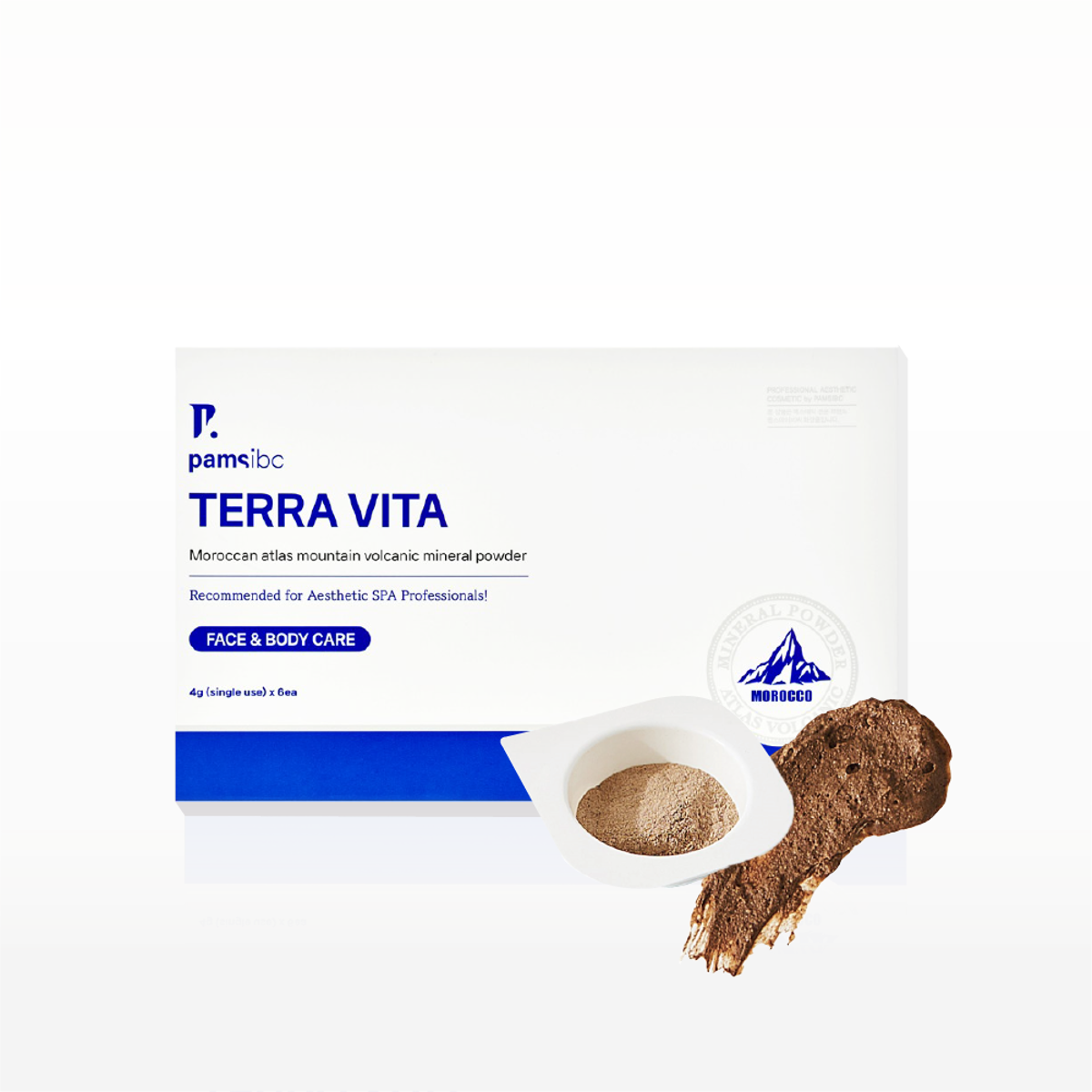
Original saved Korean CollectMoments copy · Layout example
Compare the saved original with a conversational layout adaptation. Prepare ads using the supported situation-question and conversational approaches and your task instructions.
The saved ad is paused. Its copy does not establish independently verified efficacy, live delivery or measured results.
Use the supported situation-question and conversational approaches. Include brand writing instructions in the task plan and check wording against product evidence.
Explore ↗Save evidence and instructions in a plan. Review drafts from your AI, then publish through supported channels or export.
Explore ↗Inspect advertising and organic visibility separately. Operating rules follow configured conditions and minimum samples.
Explore ↗Use the context performance view in Ad Performance to inspect linked prompts and ads. Compare observations for the same product, market and period.
Pro · Enterprise / App: Ad Performance → Context performance. Requires a supported ad account and collected data.
Morrow · Fictional brand · All figures are illustrative.
| Context / Product | Mentions | Ads | Impressions | Clicks | CTR | Spend |
|---|---|---|---|---|---|---|
| Daily Sun Stick | 32%16 / 50 answers | 3 | 12,400 | 310 | 2.50% | $620 |
| Daily Gel | 18%9 / 50 answers | 2 | 9,600 | 173 | 1.80% | $346 |
| Daily Sun Stick | —No tracking prompt | 1 | — | — | — | — |
Daily Sun Stick · Prepare the next test using observed answers and ad copy.
Unmeasured fields remain —. Mention rates use valid collected answers. These observations do not establish a causal effect of ads on organic mentions. This example uses fictional data, not actual customer results.
Examine the customer situation across both channels. Read visibility observations and advertising performance under comparable conditions, then prepare evidence for the next task.
See which questions mention the brand and which sources are cited.
Inspect collected impressions, clicks and costs as separate advertising metrics.
Prepare messages and content around the same customer situation, product and market.
A gift for a mom who walks daily
Reader: shoppers choosing a gift for a mom who loves walking
Scope: Morrow Daily Sun Stick’s format, 15 g size, fragrance-free label and walking-gift review
Fictional evidence: 1 description · 24 reviews · 4 sources
Carry the selected context and original sources into a plan. Draft in your connected Claude or Codex client, then review and use supported publishing in AEKO.
Explore content workflows ↗